Brand Consistency at Scale: How to Let 500 Branches Market Locally Without Going Off-Brand
Summary
Best for: franchise, enterprise, and multi-location teams with local branches Fastest win: lock brand elements inside approved templates, but let branches edit local details Simple rule: corporate should control the brand; branches should control the local timing and targeting
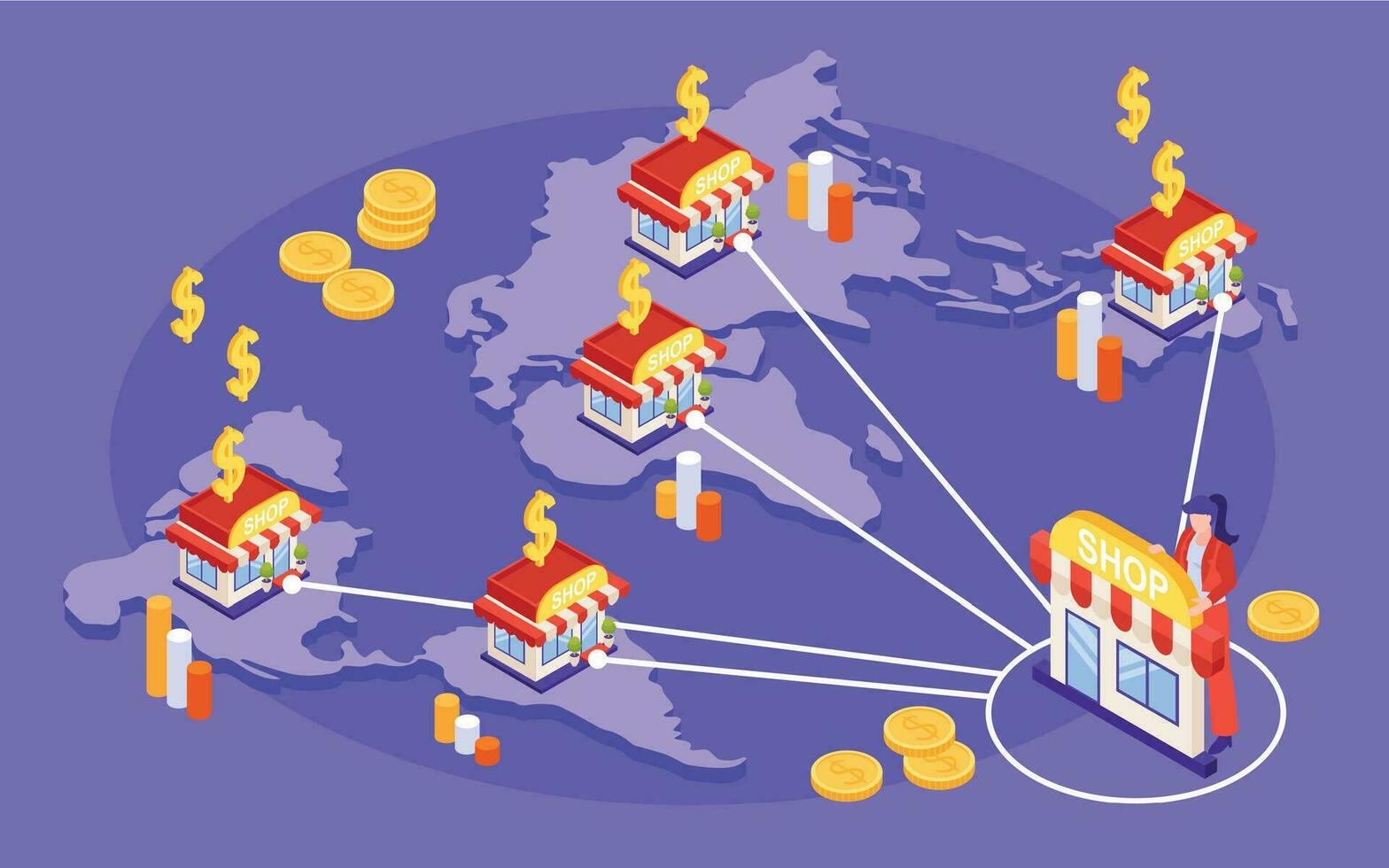
For franchises and multi-location brands, local marketing is both powerful and risky. Branches know their markets, but if every location makes its own flyers, postcards, and offers from scratch, the brand quickly becomes messy.
The answer is not to stop local marketing. The answer is to standardize what matters and let branches customize what makes the campaign local.
Lock the brand, not the branch
The best template systems feel like guardrails, not handcuffs.
- Lock brand decisions - logo placement, colors, fonts, disclaimers, and required terms.
- Edit local details - branch phone, service area, local photos, seasonal timing, and approved offer choices.
- Protect compliance - prevent branches from changing claims, pricing terms, or required language.
Branches should not need design skills to launch a clean campaign. They should fill in the parts only they know.
Decide customization rules once
If branches have to guess what is allowed, they will improvise. Make the rules obvious inside the template.
- Use editable fields for phone, address, service area, and local photo.
- Add character limits so headlines do not overflow.
- Use dropdowns for approved offers instead of open text.
- Require key fields before a campaign can be submitted.
- Keep image crops and safe zones fixed.
Treat templates like forms with design baked in. The fewer free-form edits, the more consistent the output.
Prevent template drift over time
Brand consistency usually breaks slowly. Someone reuses last year’s PDF, edits a logo in Canva, or keeps an old disclaimer because it was “already approved.”
To prevent drift:
- Use versioned templates, not mystery files like “final-final-v2.”
- Retire old versions automatically.
- Update shared assets once so changes apply everywhere.
- Track which branch used which template and when.
- Keep a short changelog for legal, brand, and offer updates.
One source of truth keeps old assets from spreading across the system.
Approve systems, not every postcard
The goal is speed with control. Corporate should not review every local edit if the template already enforces the rules.
| Decision | Corporate owns | Branch owns |
|---|---|---|
| Brand standards | logo, colors, templates | no |
| Offer menu | approved language | which approved offer to use |
| Targeting | boundaries and rules | local neighborhood choice |
| Timing | campaign calendar guidance | when local demand is strongest |
| Reporting | naming and rollups | local notes and follow-up |
This gives branches freedom where it matters without creating brand chaos.
Give branches speed by approving the system, not every postcard one at a time.
Refresh templates without redesigning the brand
Branches and customers get tired of seeing the same creative forever. Refreshing does not mean reinventing the brand. It means rotating the parts that can change safely.
- Seasonal refresh - spring, summer, fall, and winter versions.
- Offer rotation - approved offers swapped by local demand.
- Photo updates - local crews, trucks, storefronts, or recent jobs.
- Landing page alignment - postcard, QR destination, and branch page match.
- Template cleanup - retire old or weak templates regularly.
Small updates keep campaigns fresh while the brand stays recognizable.
Give every branch local marketing freedom without losing brand control.
Start simple:
- Step 1Lock the brand elements that branches should never change
- Step 2Let branches customize the local details that make campaigns relevant
- Step 3Use approved postcard templates so local teams can move fast without going off-brand
Share your branch count and approval process, and we can help outline a template system for scalable local postcard campaigns.
Explore Neighborhood Postcards